


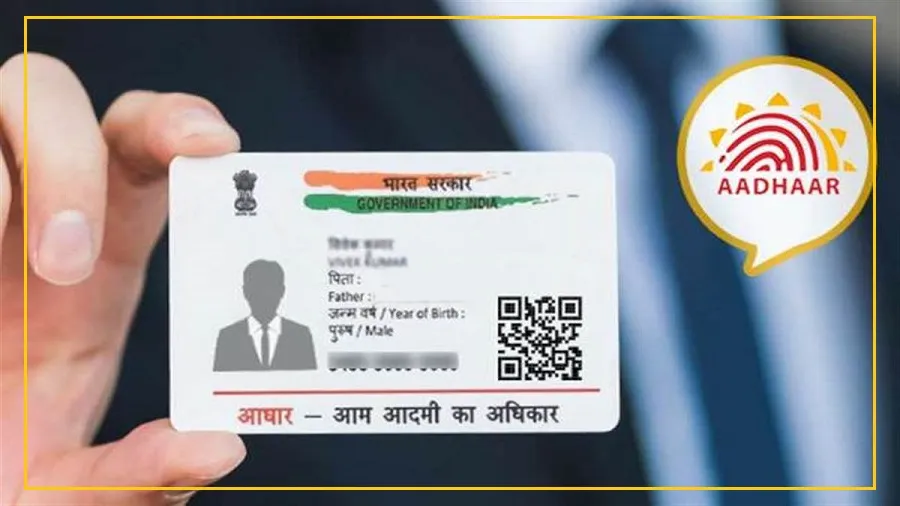
The Unique Identification Authority of India (UIDAI) has launched a new Aadhaar mobile app for both Android and iOS users.
This updated app lets residents carry their Aadhaar digitally, offering a secure and hassle-free alternative to the physical card.
The app can be downloaded directly from the Google Play Store or Apple App Store.
What Makes the New Aadhaar App Different?
UIDAI describes the new app as a next-generation digital identity tool.
It allows users to access their Aadhaar details anytime on their smartphones without needing the physical card.

The app can also be used to authenticate identity during services, making it easier to verify details without handing over documents.
Its improved interface and security features aim to give users more control over their personal data.
How to Download and Set Up the App
The app is free to download on both Android and iOS platforms.

Getting started is easy:
Open the app and choose your preferred language.
Register using either your Aadhaar-linked mobile number or another number.
If you choose a different number, the app may ask for additional verification.
Enter your 12-digit Aadhaar number and verify it using the OTP received via SMS.
The app will then prompt you for facial authentication.

Make sure the lighting is good and remove spectacles for a clear scan.
Create a six-digit password.
This password will be required every time you access the app.
Once the setup is complete, you’ll reach the home screen where you can view your Aadhaar, share it securely, or manage security settings like biometric locks.
Key Features You Should Know About
Biometric Security Lock:
Add an extra layer of safety by enabling biometric authentication.
This ensures only you can access or share your Aadhaar data.
Selective Data Sharing:
You can choose what information to share.
For instance, share only your name and photo if full details aren’t required.
QR Code Verification:
Quickly generate or scan Aadhaar QR codes for instant verification at banks, government offices, or service centers.
Offline Access:
Your Aadhaar details remain accessible even without internet once the initial setup is done.
Usage History Tracking:
Monitor how and when your Aadhaar has been used with the app’s activity log, helping you stay alert and secure.
Manage Multiple Profiles:
You can add Aadhaar profiles for up to five family members, provided they are linked to the same mobile number.